
You can open the Presenter module from the Patient Chart or the Treatment Planner.
Note: You do not have to select a patient before you open the Presenter module. You can select a patient from the Case Presentation tab of the Presenter module.
To start the Presenter
1. Select a patient, and start the Treatment Planner.
The Treatment Planner appears.
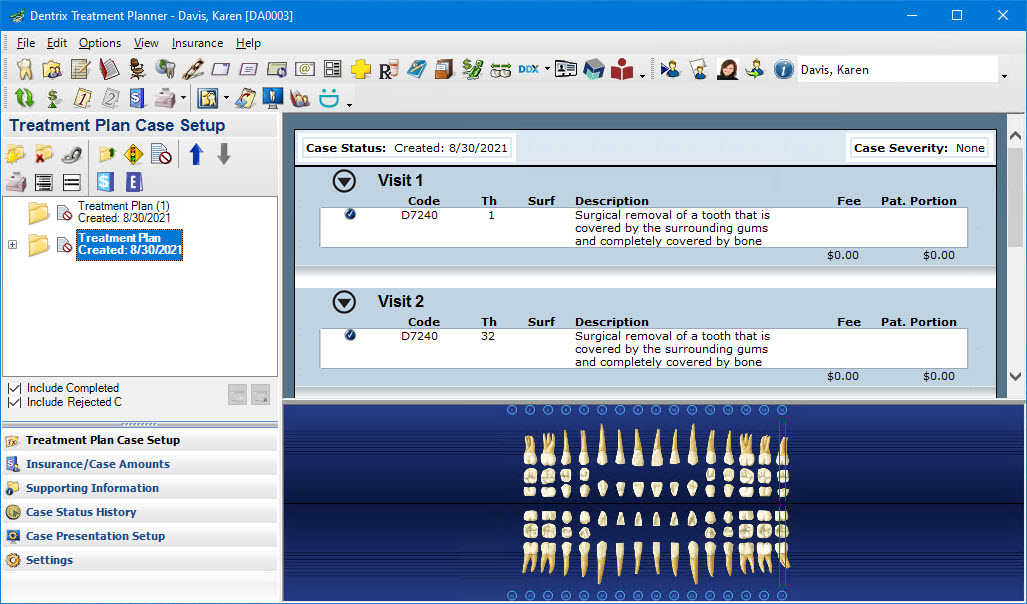
2. In the Options menu, click Presenter.
Dentrix selects the default case automatically and starts the Presenter.
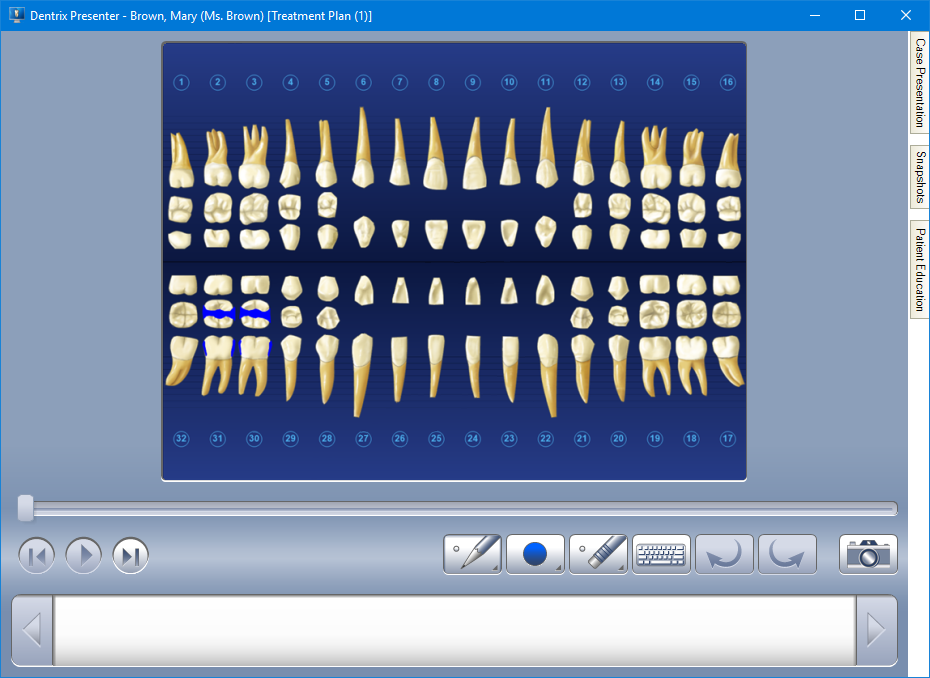
3. To learn more, click:
Setting up a case presentation
Setting up the default case presentation outline
Managing existing case presentation outlines
Setting up patient education topics
Adding a case presentation item
Removing case presentation items
Adding patient education topics
Editing patient education topics
Deleting patient education topics
Beginning the case presentation